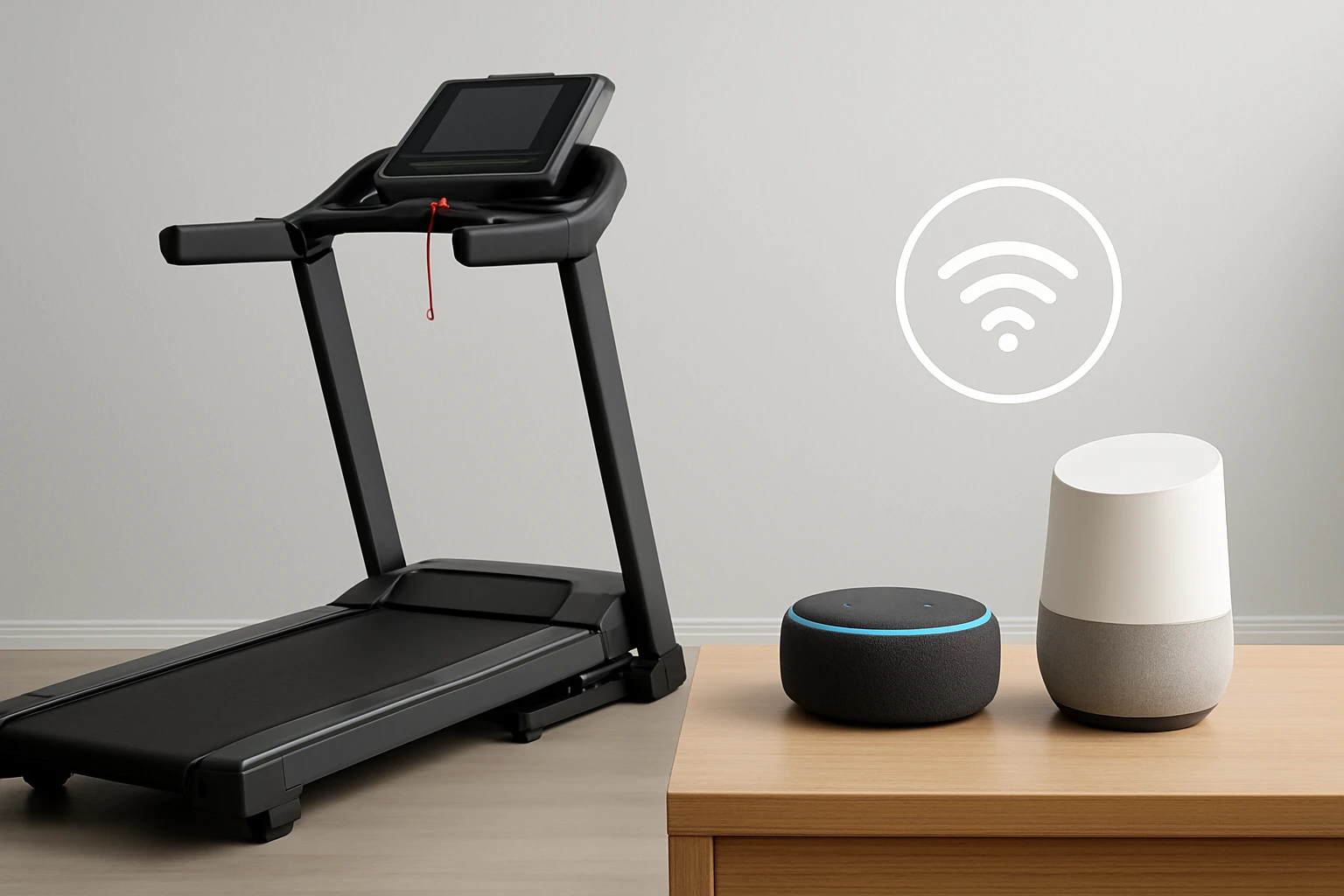
How to Connect Your Folding Treadmill to Alexa and Google Home: Easy Step‑By‑Step Voice Control Setup
Introduction
Voice assistants have transformed home fitness by allowing users to start, stop, and adjust workouts without interrupting their stride. In this guide, readers will learn how to integrate a folding treadmill with Amazon Alexa and Google Home, enabling hands‑free control of speed, incline, and workout programs. The instructions are written for intermediate users who are comfortable with basic networking and app installation, yet the guide remains accessible to beginners. By the end of the article, one will be able to command a treadmill to begin a HIIT session, increase the incline for a hill climb, or pause the machine simply by speaking. This capability not only saves time but also encourages consistency, as the barrier to start a workout is dramatically lowered.
What You'll Need
- Wi‑Fi network (2.4 GHz recommended)
- Smartphone or tablet with iOS or Android
- Alexa‑enabled device (Echo, Echo Show, or Fire TV)
- Google Home or Nest speaker
- Compatible folding treadmill with a companion app (examples below)
- Optional: Bluetooth adapter if your treadmill lacks native Wi‑Fi
Below are product suggestions that simplify each step of the process. The first mention of each product includes a direct Amazon link.
Step 1: Verify Treadmill Compatibility
Before attempting any integration, confirm that the treadmill supports a mobile app and either Alexa or Google Assistant integration. Most modern folding treadmills provide a proprietary app that communicates with cloud services, which in turn expose an Alexa skill or Google Action. For example, the Vitalwalk Foldable Treadmill offers the Fitshow app, which includes both Alexa and Google Home support. The NordicTrack T Series works through the iFIT platform, also providing voice‑assistant compatibility. If a treadmill does not list voice‑assistant support, it may still be controllable via generic smart‑plug commands, but the experience will be limited.
Step 2: Install and Configure the Companion App
Download the treadmill’s companion app from the App Store or Google Play. Create an account, pair the device via Bluetooth or Wi‑Fi, and ensure the treadmill appears as an online device in the app dashboard. During this process, enable any required permissions for location and background data; these are essential for reliable voice‑assistant communication.
For a robust example, the Vitalwalk treadmill’s Fitshow app provides real‑time pulse monitoring, auto‑incline control, and a library of virtual routes. Its price of $699.98 and rating of 4.3/5 from 116 reviews indicate solid value for a commercial‑grade folding unit. By configuring the app first, you establish the cloud endpoint that Alexa and Google will later address.
If you prefer a more budget‑friendly option, the Possono NeoSilent Walking Pad uses a simple app for speed and incline adjustments. At $159.99 and a perfect 5/5 rating, it is ideal for under‑desk use where space is limited.
Step 3: Enable the Alexa Skill
Open the Alexa app on your smartphone, tap “Skills & Games,” and search for the treadmill’s skill. For Vitalwalk, search “Fitshow.” Select the skill, then click “Enable to Use.” You will be prompted to log into the treadmill’s account; this links the cloud service to Alexa.
After linking, discover devices by saying, “Alexa, discover devices.” Alexa should list the treadmill as “Vitalwalk Treadmill.” Test the connection with a simple command: “Alexa, set Vitalwalk treadmill speed to 4 miles per hour.” The treadmill should respond within a few seconds.
When using the NordicTrack, enable the “iFIT” skill. The iFIT platform requires a subscription for full functionality, but basic speed and incline commands are available without a paid plan. The NordicTrack T Series retails for $599.00, carries a 4.3/5 rating from over 33,000 reviews, and offers a 0‑10% incline range, making it a versatile mid‑range choice.
Step 4: Enable the Google Assistant Action
Open the Google Home app, tap “Add,” then “Set up device,” and choose “Works with Google.” Search for the treadmill’s service—e.g., “Fitshow” for Vitalwalk or “iFIT” for NordicTrack. Follow the sign‑in prompts to link the accounts.
Once linked, Google will automatically create voice commands. Try, “Hey Google, start my Vitalwalk treadmill at 5 miles per hour.” If the treadmill does not respond, verify that the Google Home device is on the same Wi‑Fi network as the treadmill and that the app’s cloud service is active.
For compact spaces, the UREVO 2‑in‑1 Folding Treadmill also supports Google Assistant through its UREVO Sport App. Priced at $188.59 with a 4.3/5 rating from 7,067 reviews, it offers dual modes (running and walking) and a magnetic remote that can be attached to the frame, reducing the chance of loss.
Step 5: Create Voice Routines for Common Workouts
Both Alexa and Google allow users to bundle multiple commands into a single routine. In the Alexa app, go to “Routines,” tap the “+” icon, and add actions such as “Set treadmill speed to 6 mph,” “Set incline to 5%,” and “Play my cardio playlist on Spotify.” Name the routine “Morning Cardio.” Now a single phrase—“Alexa, start morning cardio”—executes the entire sequence.
Google Home offers a similar feature called “Shortcuts.” Create a shortcut named “HIIT Session” that sets the treadmill to 8 mph, incline 10%, and starts a 20‑minute timer. This eliminates the need to manually adjust each parameter during a high‑intensity interval training (HIIT) workout.
When building routines, consider the treadmill’s speed limits. The WELLFIT Folding Treadmill, for instance, caps at 6.2 mph, making it perfect for walking and light jogging but unsuitable for sprint intervals. Its price of $139.98, rating of 4.5/5, and 320 lb capacity make it a strong candidate for users focused on steady‑state cardio.
Step 6: Test, Fine‑Tune, and Secure Your Setup
After configuring routines, test each command individually to ensure the treadmill responds promptly. Verify that the Wi‑Fi signal strength near the treadmill is strong; a weak signal can cause delayed responses or dropped connections. If you experience lag, reposition the router or add a Wi‑Fi extender.
For safety, always enable the treadmill’s emergency stop feature before using voice control. Most models include a pull‑cord or magnetic stop button. The UREVO treadmill, for example, provides a pull‑cord safety stop that instantly cuts power, protecting users from accidental over‑speed.
Finally, keep the treadmill’s firmware up to date via its companion app. Manufacturers frequently release patches that improve cloud connectivity and add new voice‑assistant features.
Tips & Pro Tips
- Use a dedicated Wi‑Fi band. Many smart home devices perform better on a 2.4 GHz network because of its longer range.
- Label voice commands clearly. Use unique phrases that do not conflict with other smart‑home devices (e.g., “Start treadmill cardio” instead of simply “Start cardio”).
- Leverage app‑based presets. Both Fitshow and iFIT provide pre‑programmed workouts that can be launched via voice, reducing the need to manually select programs.
- Integrate with smart lighting. Create a routine that dims lights when the treadmill starts, enhancing focus and safety.
- Monitor battery health of remote controls. Some treadmills, such as the UREVO, rely on remote batteries for manual overrides; replace them regularly.
Troubleshooting
| Problem | Possible Cause | Solution |
|---|---|---|
| Voice command not recognized | Incorrect device name or skill not linked | Check the exact name in the Alexa/Google app and re‑link the skill or action. |
| Delay of more than 5 seconds | Weak Wi‑Fi signal | Move router closer, use a Wi‑Fi extender, or connect treadmill via Ethernet adapter if supported. |
| Treadmill does not start | Safety stop engaged | Release the pull‑cord or press the emergency stop button to reset. |
| Speed or incline does not change | App not synced | Force‑close the companion app, reopen, and ensure the treadmill shows “online.” |
Conclusion
Connecting a folding treadmill to Alexa or Google Home transforms a conventional workout into a seamless, hands‑free experience. By verifying compatibility, configuring the companion app, enabling the appropriate voice skill or action, and building custom routines, users can start, adjust, and stop their treadmill with simple spoken commands. The recommended products—Vitalwalk Foldable Treadmill, NordicTrack T Series, Possono NeoSilent Walking Pad, UREVO 2‑in‑1 Folding Treadmill, and WELLFIT Folding Treadmill—cover a range of budgets and feature sets, ensuring that every reader can find a suitable tool. Implement the tips and troubleshooting steps provided, and enjoy a more efficient, engaging fitness routine.
Products Mentioned in This Guide
Frequently Asked Questions
What type of treadmill is required to work with Alexa or Google Home?
The treadmill must have built‑in Wi‑Fi and support a companion app that integrates with Amazon Alexa and Google Assistant.
Do I need a 5 GHz Wi‑Fi network for the connection?
A 2.4 GHz Wi‑Fi network is recommended; 5 GHz may work but is not required.
How do I link my treadmill’s app to Alexa?
Enable the treadmill skill in the Alexa app, sign in with the same account used in the treadmill’s companion app, and follow the on‑screen discovery steps.
Can I control treadmill speed and incline with voice commands?
Yes, you can say commands like “Alexa, set treadmill speed to 5 miles per hour” or “Hey Google, increase incline by two levels.”
What should I do if the treadmill stops responding to voice commands?
Check that both the treadmill and voice‑assistant device are on the same Wi‑Fi network, restart the treadmill’s app, and re‑authorize the skill if needed.