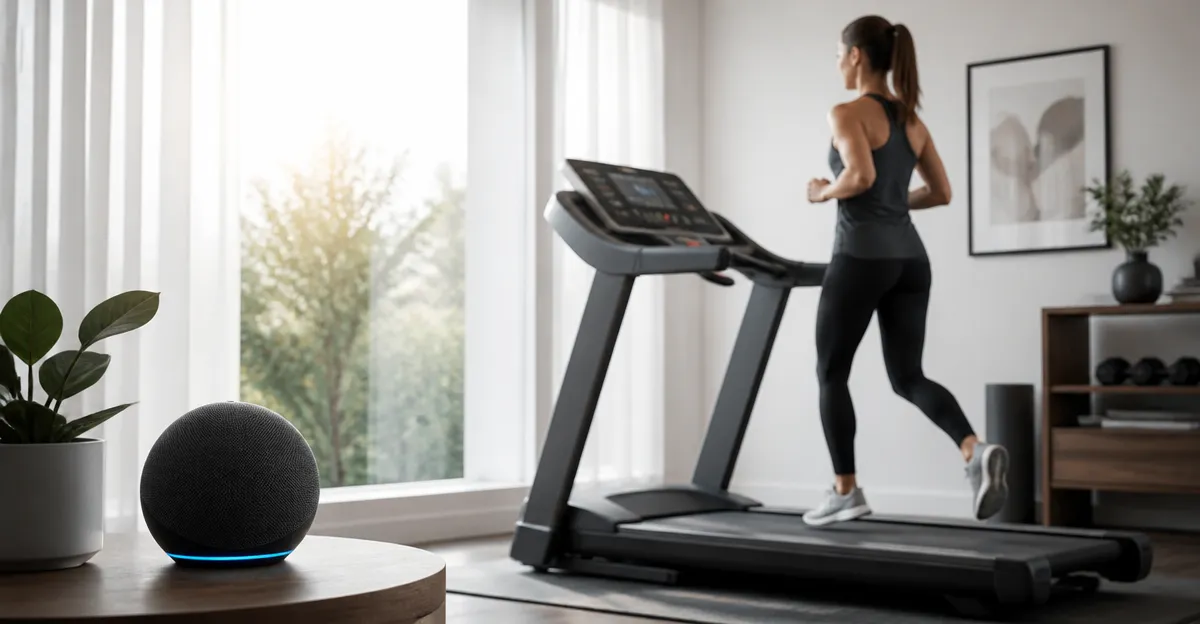
How to Automate Your Treadmill Morning Routine with Alexa: Step-by-Step Automation Examples
Introduction
One can transform a mundane treadmill session into a seamless, motivating experience by leveraging Amazon Alexa. This guide explains how to configure Alexa to start the treadmill, adjust lighting, and play a curated playlist, all with a single voice command. Readers will learn the essential hardware, software setup, and routine creation needed to achieve a fully automated morning workout. By following these steps, one saves time, reduces friction, and creates a consistent habit that supports health goals.
What You’ll Need
- Amazon Echo or Echo Dot (any model with Alexa)
- Wi‑Fi‑enabled smart plug compatible with Alexa
- Your treadmill with an electrical power cord
- Smartphone with the Alexa app installed
- Alexa User Guide Audiobook – optional but helpful for mastering voice commands
Step 1: Set Up Your Alexa Device
First, plug the Echo device into a power outlet and ensure it is connected to the home Wi‑Fi network using the Alexa app. Open the app, sign in with an Amazon account, and follow the on‑screen prompts to complete the device registration. Once the device reports “Online,” test the connection by saying, “Alexa, what’s the weather today?” If Alexa responds accurately, the voice interface is ready for further configuration.
At this stage, the Alexa User Guide Audiobook becomes valuable. Priced at $8.99, this concise guide offers clear explanations of Alexa’s routine builder, smart home integration, and troubleshooting tips. It is narrated by Robert Grothe, providing an engaging listening experience for users who prefer audio learning over written manuals.
Listening to the guide helps one understand the nuances of voice phrasing, which reduces the likelihood of misinterpretation during routine execution. Moreover, the guide’s step‑by‑step format mirrors the structure of this article, reinforcing the learning process.
After confirming Alexa’s responsiveness, proceed to the next step: connecting the treadmill to a smart plug.
Step 2: Connect the Treadmill to a Smart Plug
Choose a Wi‑Fi‑enabled smart plug that lists Alexa compatibility in its product description. Plug the smart plug into a wall outlet near the treadmill, then connect the treadmill’s power cord to the plug. Open the Alexa app, tap “Devices,” then select “Add Device.” Choose “Plug” from the list of device types and follow the instructions to pair the plug with the home network.
Once paired, rename the plug to a clear identifier such as “Treadmill Power.” This naming convention simplifies voice commands; for example, saying “Alexa, turn on Treadmill Power” will activate the treadmill’s power supply without ambiguity. Verify the connection by issuing the command and confirming that the treadmill’s indicator light illuminates.
Using a smart plug offers several advantages over manual switches. It enables remote power control, integrates with Alexa routines, and provides energy‑usage monitoring in many models. Alternatives such as infrared remotes lack Alexa integration, making them unsuitable for fully voice‑driven automation.
With the treadmill now reachable through Alexa, the foundation is set for creating a multi‑action routine that synchronizes additional elements of the morning workout environment.
Step 3: Create an Alexa Routine for the Morning Workout
In the Alexa app, navigate to “More” > “Routines” > “Create Routine.” Begin by naming the routine “Morning Treadmill.” Under “When this happens,” select “Voice” and type the trigger phrase, for example, “Start my treadmill.” This phrase will be the single command used each day.
Next, add actions in the order they should occur. First, choose “Smart Home” and select the “Treadmill Power” plug, setting the action to “Turn on.” Second, add a “Music” action, selecting a preferred streaming service and a high‑energy playlist to motivate the workout. Third, include a “Wait” action of 30 seconds to allow the treadmill to power up before the user steps onto it. Finally, add a “Notification” action that reads, “Your treadmill is ready, enjoy your run.”
Save the routine and test it by saying the trigger phrase. Alexa should power the treadmill, begin the playlist, wait briefly, and then announce readiness. If any step fails, revisit the routine editor to adjust device names or timing.
Creating a routine consolidates multiple actions into a single voice command, eliminating the need for manual switches, phone navigation, or separate music controls. This streamlined workflow saves valuable minutes during the early morning rush.
Step 4: Enhance the Environment with Smart Lighting (Optional)
For a fully immersive experience, integrate Alexa‑compatible smart bulbs into the routine. Install a smart bulb in the workout area, connect it to the Alexa app, and rename it “Gym Light.” Return to the “Morning Treadmill” routine and insert an additional “Smart Home” action before the music starts: set “Gym Light” to a bright, cool‑white setting.
Smart lighting improves safety by illuminating the treadmill’s surface and creates a cue that signals the start of the workout. Compared with a standard lamp, smart bulbs can be dimmed, color‑tuned, and synchronized with music, adding a layer of personalization that enhances motivation.
If the lighting action does not trigger, verify that the bulb is on the same Wi‑Fi network as Alexa and that the device name matches the one used in the routine. Adjust the delay in the “Wait” action if the bulb requires additional time to change color.
While optional, this step demonstrates how Alexa can orchestrate multiple smart home devices, turning a solitary treadmill into a connected fitness hub.
Tips & Pro Tips
- Use precise voice commands; Alexa interprets “Start treadmill” differently from “Turn on Treadmill Power.”
- Label all smart devices with unique, descriptive names to avoid conflicts.
- Enable “Do Not Disturb” during the routine to prevent interruptions from notifications.
- Periodically update the Alexa app and smart plug firmware to maintain compatibility and security.
- Consider adding a “Temperature” action to set a comfortable room temperature via a smart thermostat.
Troubleshooting
Problem: Alexa does not turn on the treadmill.
Solution: Verify that the smart plug is powered, that the treadmill is properly plugged in, and that the plug’s name matches the one used in the routine. Re‑run the “Turn on Treadmill Power” command alone to isolate the issue.
Problem: Music starts before the treadmill is ready.
Solution: Increase the “Wait” duration in the routine to allow the treadmill’s motor to spin up. A 45‑second wait is often sufficient for larger models.
Problem: Alexa announces the routine but the smart bulb does not change.
Solution: Ensure the bulb is on the same Wi‑Fi band (2.4 GHz) as the Echo device. Re‑pair the bulb if it remains unresponsive.
Conclusion
One has now learned how to automate a treadmill morning routine using Alexa, a smart plug, and optional smart lighting. By following the step‑by‑step instructions, the reader can launch the treadmill, cue energizing music, and set the environment with a single voice command. The integration of the Alexa User Guide Audiobook provides additional confidence in mastering Alexa’s capabilities. Consistent use of this automation will streamline the start of each workout, reinforcing healthy habits and saving valuable time.
Products Mentioned in This Guide
Frequently Asked Questions
What type of smart plug is required to control a treadmill with Alexa?
You need a Wi‑Fi‑enabled smart plug that works with Alexa and can handle the treadmill's power rating (typically 120 V, 15 A).
How do I create a voice command that starts my treadmill, lights, and music together?
Create an Alexa routine that triggers the smart plug (to power the treadmill), a smart‑light action, and a music playback action, then assign a single phrase like “Alexa, start my morning run.”
Can I use any treadmill with this Alexa automation?
Any treadmill that turns on when power is supplied can be controlled, but models with built‑in smart features may require additional integration steps.
Is it safe to power a treadmill through a smart plug?
Yes, as long as the plug’s amperage rating exceeds the treadmill’s draw and you follow the manufacturer’s safety guidelines.
What should I do if Alexa doesn’t turn on the treadmill?
Check that the smart plug is online, the treadmill is plugged into it, and the Alexa routine is enabled; then re‑link the device in the Alexa app if needed.